Themes
The C4 Model is notation independent, and doesn’t prescribe any particular notation. This means you can use colour to supplement the diagram, either to add additional information or to make the diagram more aesthetically pleasing.
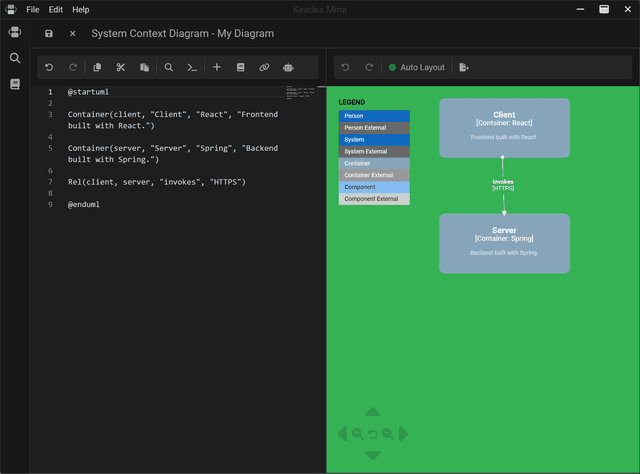
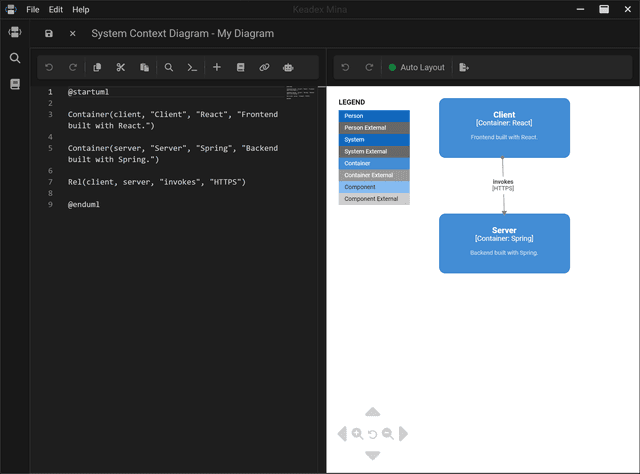
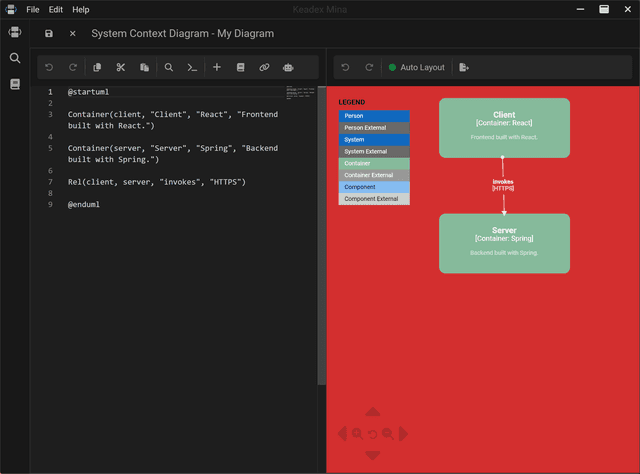
By default, Mina provides a theme for your diagrams. If you don’t like it, you are free to customize it with your preferred colors.
Usage
- Click on the project icon () in the sidebar
- Click on the settings button
- Click on the themes tab
- Customize the colors with your preferred ones
- Click on the save button
- Enjoy your customized diagrams theme
